
As noted on our public road map, the introduction of trading will arrive sometime within the 3rd quarter. I am very pleased to announce that direct player-to-player trading will arrive in SimpleMMO this week.
For a long time, players have been trading assets by sending items and gold between two accounts without the guarantee that all of goods will actually arrive. It was a system that relied mostly on trust.
The trade system will change this. Two players can set up a direct trade between each other and then put in X amount of items and gold. Once both parties are satisfied with what they will be sending/receiving, they can accept the trade. Once accepted, the items and gold will automatically transfer between each account therefore eliminating any form of risk.
Let's go through the process on the web app.
Scenario: I want to exchange 100,000 gold coins and 1 Spirit Deer for 100 Fallen Leaves. This is how I would do it.
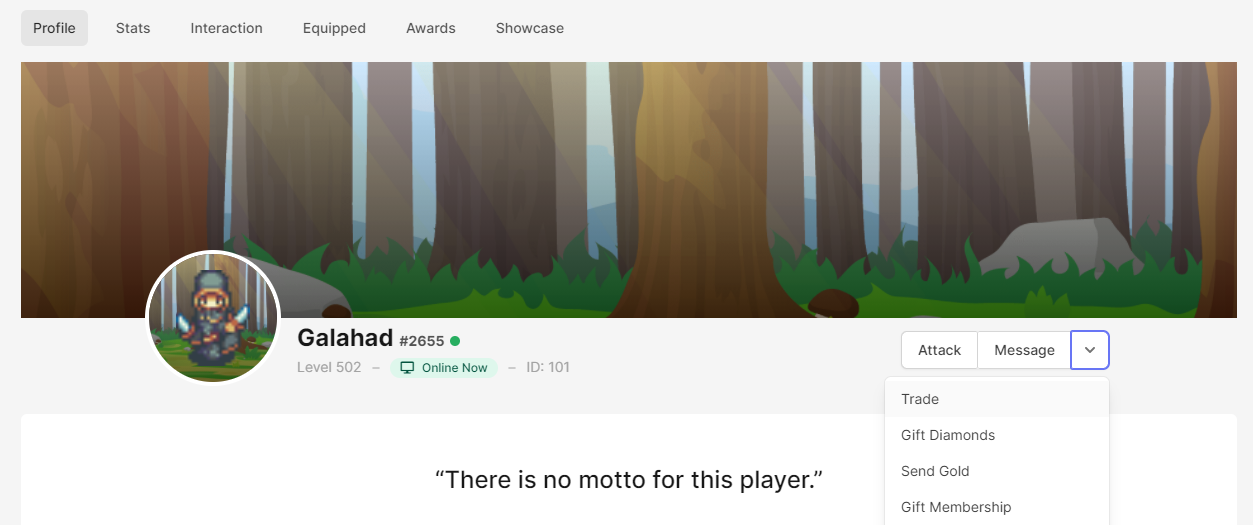
Navigate to the players profile and press on the arrow button to bring up a list of actions. Press "Trade"
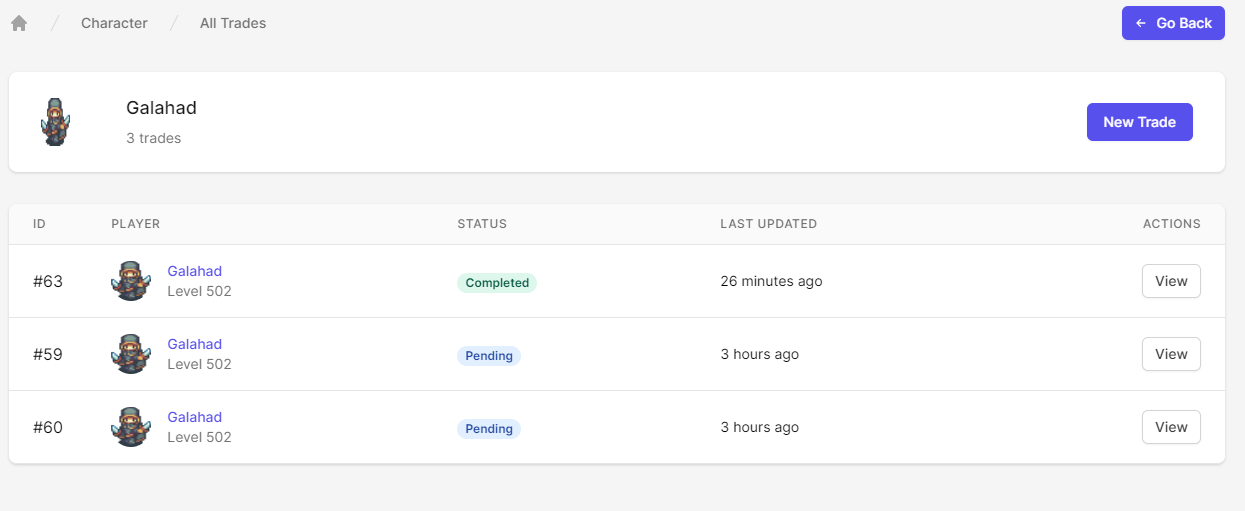
This will bring up a list of all past and current trades I have made with this player. To create a new trade, I will press "New Trade" on the top right of the screen.
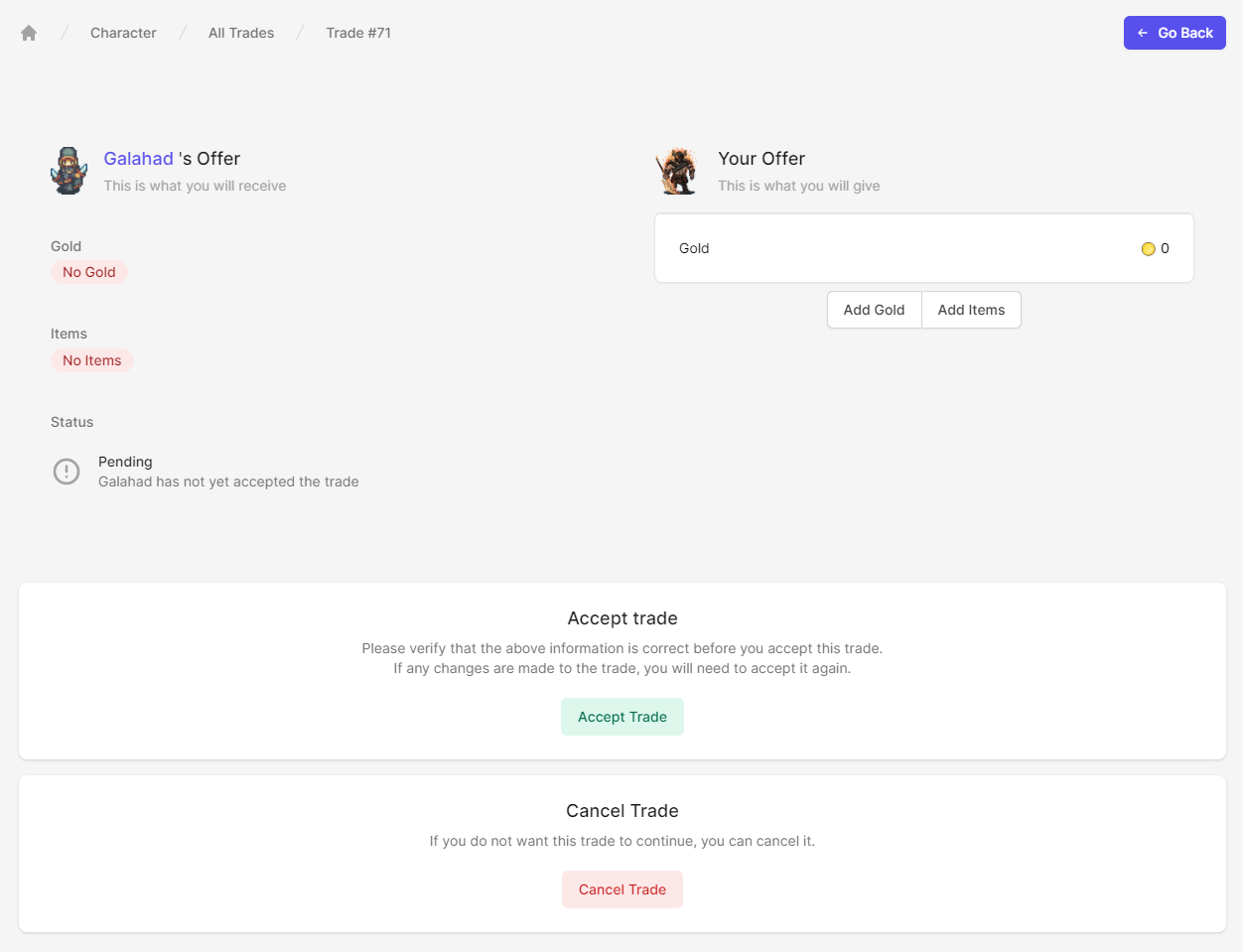
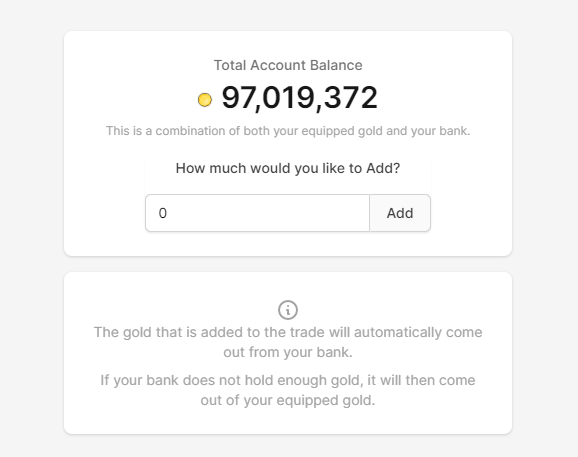
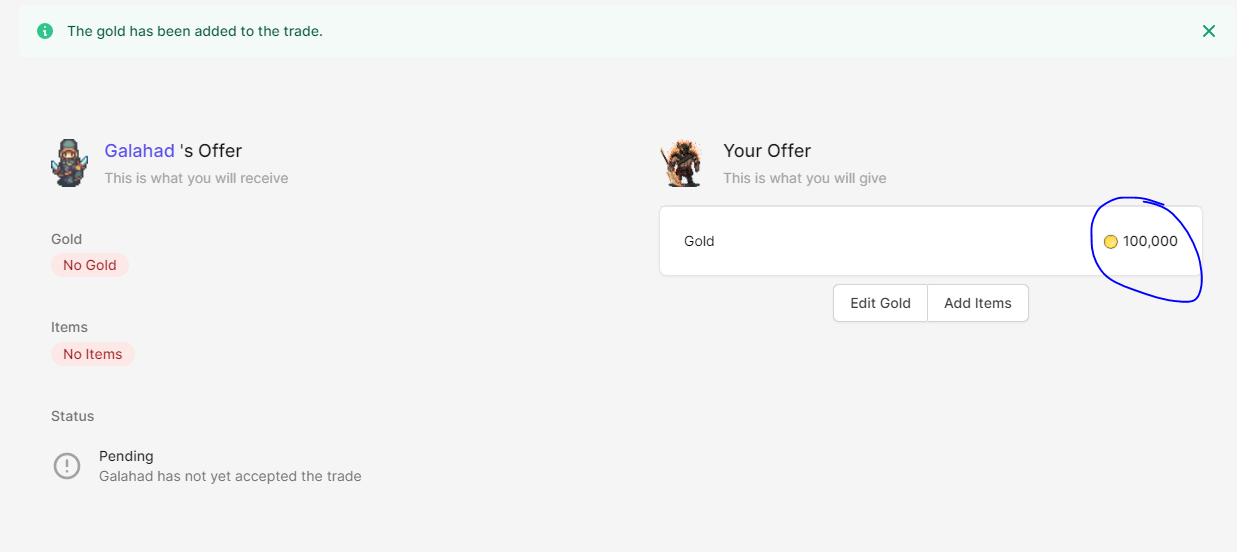
Let's start off with the gold. To add gold to the trade, I simply need press the "Add Gold" button. This will bring up a page that will display how much gold I want to add. I can add any amount of gold that is on my character. The game will first withdraw from the bank and then the equipped pocket if I do not have enough there.
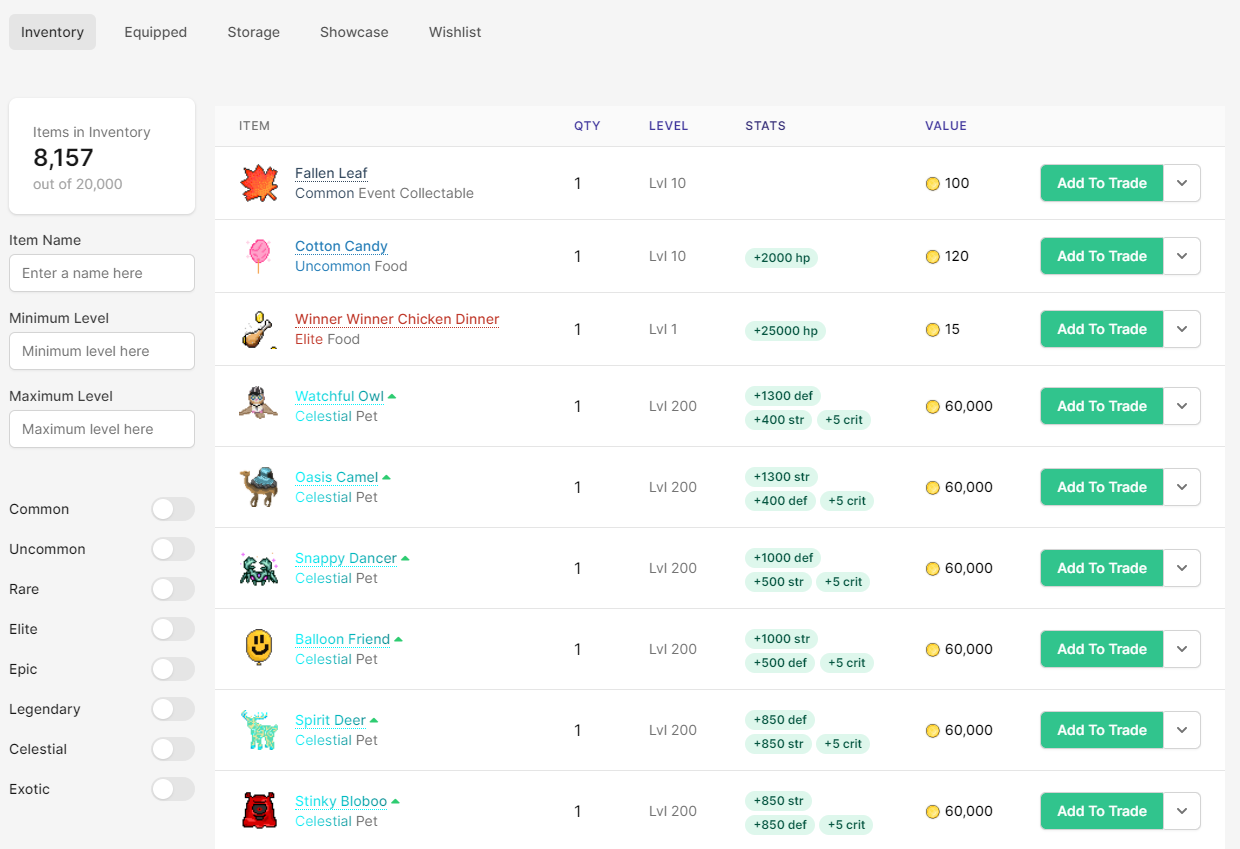
Now for the items. I can add items to the trade by pressing the "Add Items" button. This will bring up the inventory with all of the item that I have on my character. To add an item to the trade, all I need to do is simply press "Add To Trade"
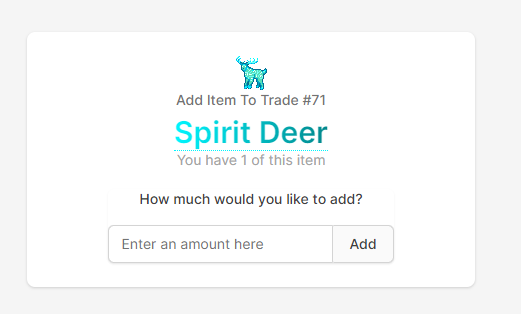
On the following page, I can enter how many items I want to add to the trade. It is limited to 100 items per trade. If you wish to send more than 100, you will need segment it into multiple trades.
Once I have added the item to the trade, I can see it displayed on the trade page on the right side.
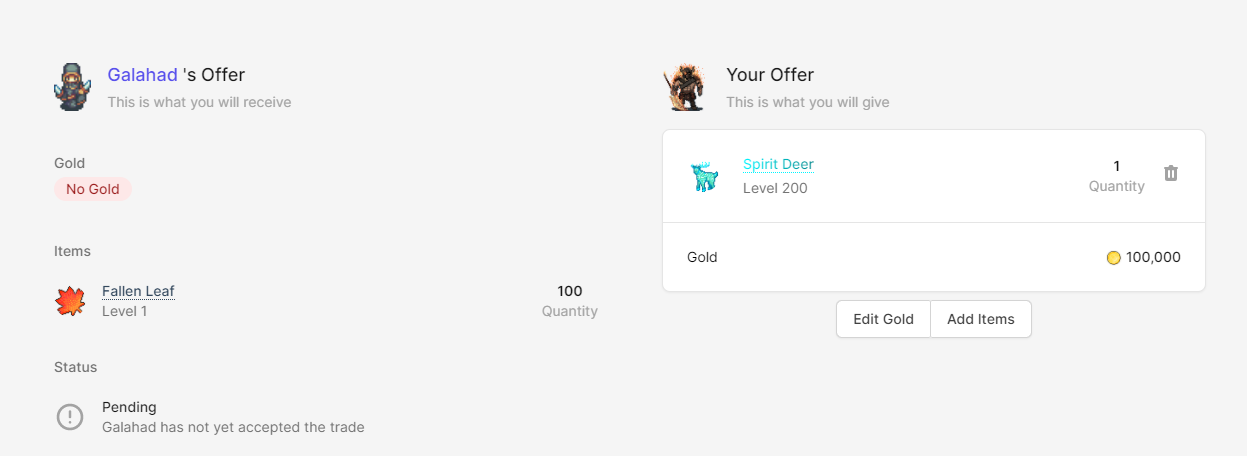
If you look closely, the other player has added 100 leaves to the trade while I was doing that.
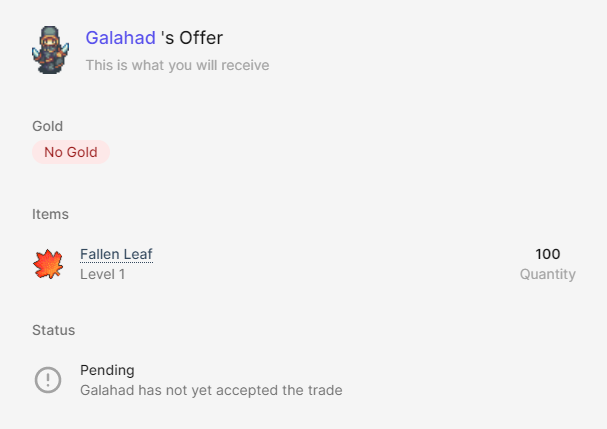
The trade now consists of the following:
- I will receive 100 Fallen Leaves
- I will send 100,000 gold and 1 Spirit Deer
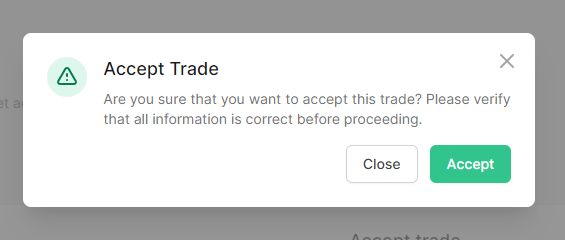
As I have verified it by checking checking the overview, I can go ahead and press the "accept" button.

This will bring up a prompt to ensure that you are not doing it by mistake.
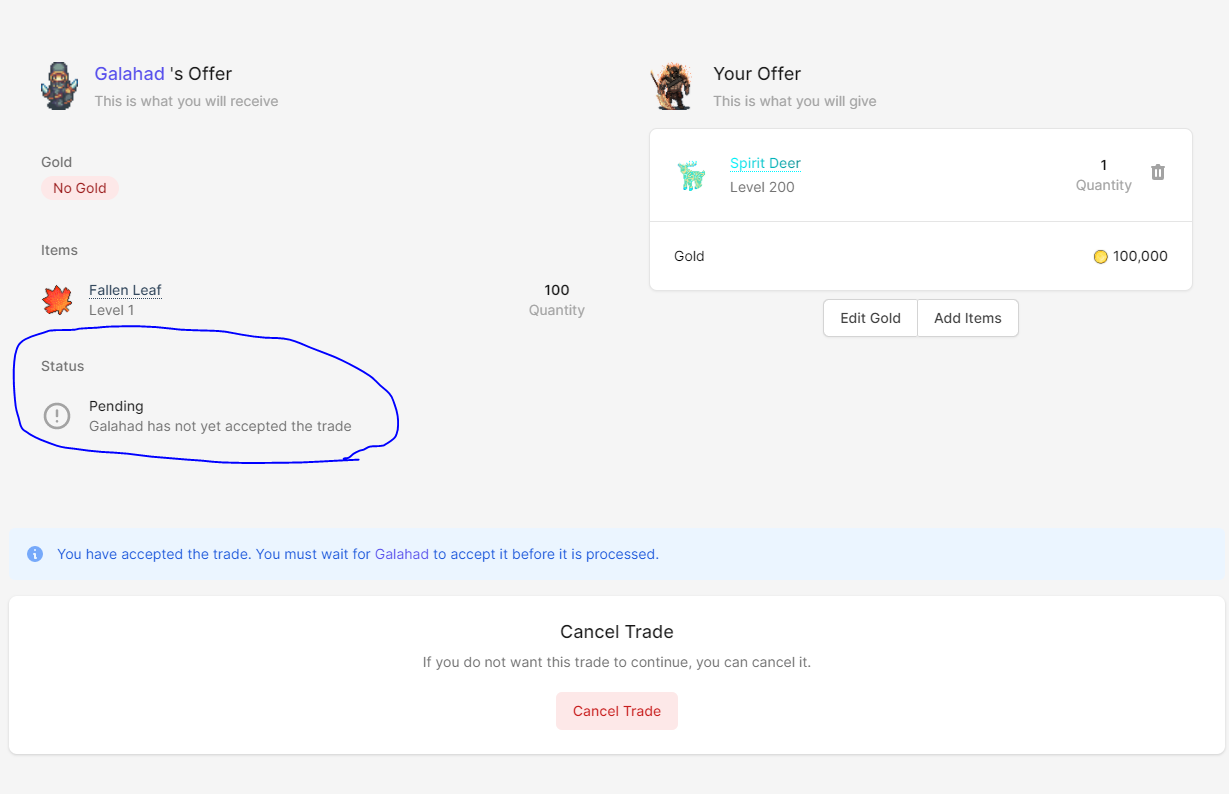
As I was the first player to accept the trade, I now need to wait for the other player to accept the trade too. As you can see, the other player has not accepted the trade yet.
After a few minutes, the other player also accepted the trade. If I give the page a quick refresh, I can see that the trade has finalised. I will have also received a notification telling me that the trade was complete.
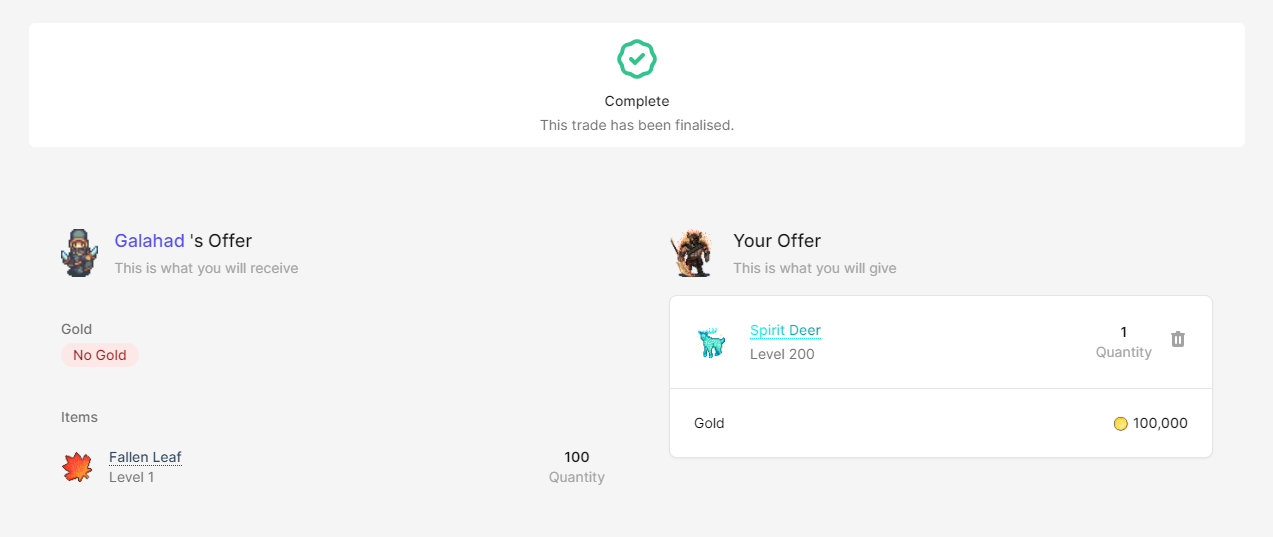
And it's as simple as that! The Android app will work in the exact same way.
This feature will arrive in SimpleMMO sometime later this week. Join our discord to keep updated on the status of new updates.
Notes:
- The above screenshots are not final and may change when the feature has been released.
- The fees for using this feature are still under review.
- You will still be able to send gold and items using the old way.